

AI Pose Generator
Move a subject into cleaner, sharper, or more expressive poses without rebuilding the whole image.
Open ToolUpload a portrait, describe the pose you want, and plan the shot in seconds.
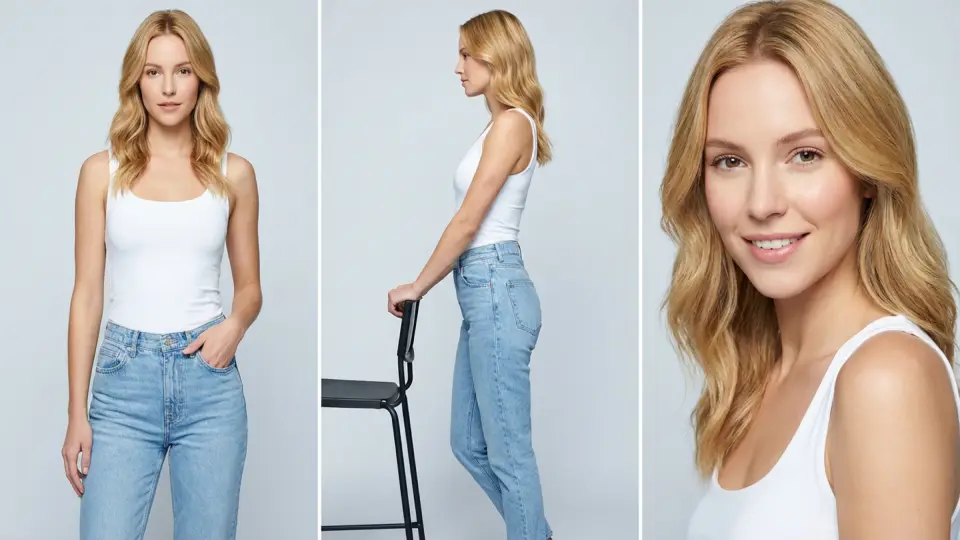
 Image 1
Open a tool directly from the homepage and keep moving without hunting through menus.
Move a subject into cleaner, sharper, or more expressive poses without rebuilding the whole image.
Open Tool

Clean up a frame, revise details, or explore a fresh look from the same source image.
Open Tool
Extend a source image into a wider or taller composition without rebuilding the whole scene from scratch.
Open Tool
Turn a text prompt into polished images for concepting, posters, product ideas, and visual drafts.
Open Tool
Convert a real photo into pencil, ink, or watercolor sketch styling while keeping the original composition.
Open Tool
Upscale a draft when you need a cleaner export for sharing, decks, or production handoff.
Open Tool
Remove distractions before you reuse a shot in a pitch, post, or product mockup.
Open ToolThe homepage points to live tools you can open right now.
8
core tools already live on the site
9
homepage languages supported today
1
account area for credits, projects, and history

Multiple pose tools, one connected workspace
HowToPose.ai brings pose references, outfit exploration, cleanup, framing, and export prep into a connected workflow for creators, stores, and teams.


A simple four-step path keeps the homepage understandable even as the tool set grows.
Begin from an existing image or a clear text direction.
Choose the tool that matches the change you need to make.
Compare options quickly instead of committing to a single first pass.
Keep refining until the frame is ready for delivery or reuse.
The recurring theme is speed with enough control to stay useful.
“How to Pose AI keeps the workflow practical. It is fast enough for campaign planning, but still controlled enough that the outputs feel usable instead of random.”

Content Strategist
“With How to Pose AI, the whole process feels more connected. I can move from a rough pose reference to a polished visual without bouncing through three separate tools.”

Freelance Designer
“I keep coming back to How to Pose AI because it saves real production time. The combination of pose edits, cleanup, and upscale saves time every time we need another version for a product page.”

E-commerce Marketer
“How to Pose AI keeps the workflow practical. I can take one strong portrait and adapt it into multiple campaign crops without reshooting the whole setup.”

Brand Photographer
“With How to Pose AI, the whole process feels more connected. It helps me test outfit direction quickly when the pose is right but the wardrobe story still feels off.”

Fashion Stylist
“I keep coming back to How to Pose AI because it saves real production time. The cleanup and upscale steps save us when a draft is close and we need a presentable version fast.”

Creative Producer
“How to Pose AI keeps the workflow practical. I like that I can move from styling changes to final export without losing the original subject.”

Social Media Lead
“With How to Pose AI, the whole process feels more connected. It is useful for layout exploration because one portrait can stretch into several formats without breaking continuity.”

Art Director
“I keep coming back to How to Pose AI because it saves real production time. We use it to sharpen creator visuals for launches when the lighting and framing need one more pass.”

Beauty Brand Founder
“How to Pose AI keeps the workflow practical. The outfit workflow is practical. I can compare polished directions from one source image instead of bouncing between separate apps.”

Retail Visual Merchandiser
“With How to Pose AI, the whole process feels more connected. For landing pages and ads, the ability to reframe and clean the same image is more valuable than generating something random.”

Performance Marketer
“I keep coming back to How to Pose AI because it saves real production time. The tools feel connected, so I can go from pose idea to delivery-ready image in one sitting.”

Content Producer
These questions focus on how to pose searches that land on How to Pose AI, but the answers are about editing an existing photo after the shot is already finished.
How to Pose AI is built for post-shot editing. You can change pose direction, visual style, crop, background cleanup, clothing direction, and lighting mood without needing to start from a brand-new photo.
Yes. How to Pose AI is designed to work from an existing image, so you can push the pose, framing, and styling without throwing away the original person, outfit logic, or scene context.
How to Pose AI is strongest when the image already exists and you want to improve pose direction, clothing feel, background clarity, crop, or lighting polish without rebuilding everything.
You do not need design experience. People often search how to pose because they want a simpler starting point, and How to Pose AI is organized around clear editing tasks instead of technical jargon.
How to Pose AI can move from pose edits into style shifts, crop decisions, background cleanup, outfit changes, and brighter or softer lighting, so the image evolves in one connected workflow.
Yes. How to Pose AI is useful when you want a new style direction but still need the person, pose logic, and source image identity to stay believable.
Most real sessions do not stop at one step. Someone searching how to pose may begin with pose exploration, then continue inside How to Pose AI into retouching, style changes, cleanup, framing, or upscale work before export.
Yes. How to Pose AI is not limited to pose changes. It also helps you restyle clothes, shift background mood, refine framing, and move the lighting toward a cleaner or more dramatic look.
How to Pose AI can treat the pose change and the background cleanup as part of the same refinement pass, which is useful when the subject improves but the scene still feels messy.
A single better portrait still depends on good editing choices. How to Pose AI lets you compare pose, crop, styling, and cleanup in one place instead of guessing from scattered references.
Yes. A common how to pose problem is that shoulders, hands, and eye direction all feel disconnected. How to Pose AI helps you test cleaner posture choices so the subject reads as calmer, more confident, and more natural.
Yes. How to Pose AI works well when you want the same source image to move toward a different outfit mood, cleaner styling story, or stronger commercial finish.
How to pose changes by use case, and How to Pose AI supports creator portraits, product marketing images, social visuals, reference boards, and polished concept drafts without forcing one visual template.
Use How to Pose AI when the source image is already strong enough and the real problem is pose direction, style consistency, background cleanup, clothing variation, or lighting polish rather than camera quality.
How to Pose AI is valuable when the pose is close but the light feels flat, harsh, or mismatched, because you can push the image toward a better mood without discarding the whole shot.
That is where how to pose workflows become practical. You can keep the same basic stance, then explore styling, crop, background cleanup, and export quality inside How to Pose AI without losing the original direction.
Because people who search how to pose usually want a direct answer, not vague platform language. How to Pose AI is designed to move from a real image problem to the right editing tool in a few seconds.
Both. How to Pose AI can handle a small correction to one image or support a larger batch of variations when you want multiple moods, crops, and edit directions from the same source.
The homepage uses simple task language because how to pose visitors usually want practical edits. How to Pose AI shows where to change pose, style, cleanup, background, clothing, and lighting without burying the answer.
You should expect post-shot control, not a photography lesson. How to Pose AI is strongest when you want a better pose, cleaner composition, new style direction, improved background, different clothing feel, or more polished light.
Yes. How to Pose AI is especially helpful when the framing is already usable but the body direction, hand placement, or overall posture still needs a better result.
Yes. Repeating the workflow helps you see patterns in pose, framing, styling, and cleanup, so How to Pose AI becomes a faster way to improve images instead of a one-off experiment.
Because the site is built to change the image, not only to inspire it. How to Pose AI is most useful when you want the source photo to become more usable, polished, and flexible after it has already been shot.
Teams use How to Pose AI when they want pose edits, style changes, cleanup, clothing variation, and lighting polish to stay in one tool instead of breaking the workflow into disconnected steps.
Open a tool, test an idea, and move straight into the next iteration on howtopose.ai.